Gacha Life 2 app – Features, Benefits, Download on Android and iOS, Windows
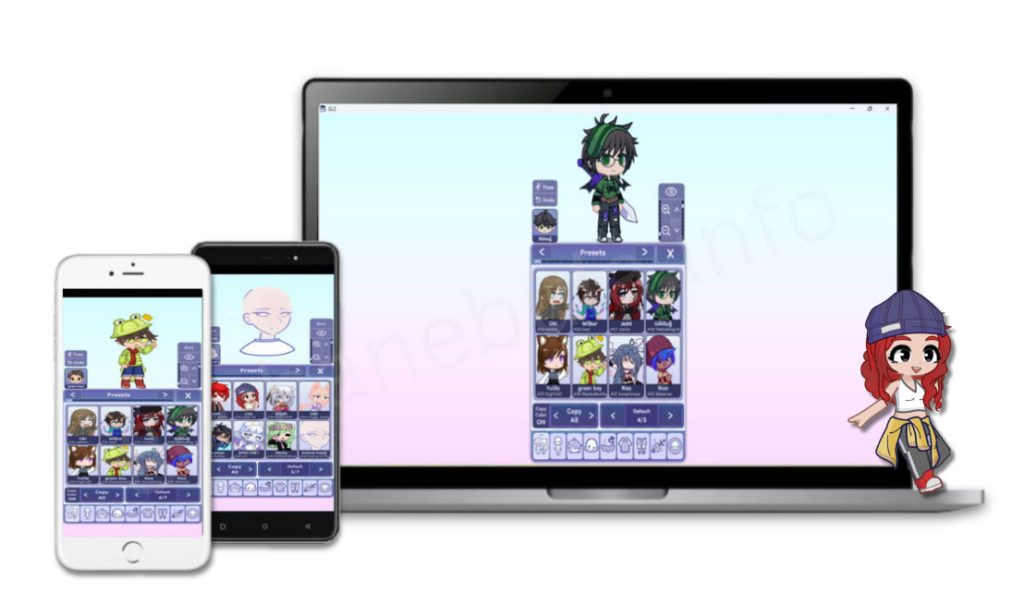
Every year, the Gacha apps and games community grows, and one of the most exciting games for inventive players is Gacha Life 2. It also allows the user to design their characters, write stories, and unleash their creativity.
GachaLife 2 is another major gacha app that you should definitely try to make characters and anime stories. If you are a fan of Gacha Nebula or Gacha Club, you will find this app easy to use. This guide is here to help you understand the GachaLife 2 app, its best features, Player benefits, and how to download and install it for Android, iOS, and Windows PC devices for free.
What Is Gacha Life 2?
Gacha Life 2 is a character-creator, story app, and game developed by Lunime. This app is an upgraded version of Gacha Life (gachalife), with millions of players worldwide.
The game focuses on creativity. Players can design their own unique characters, make scenes, and tell their story with the tools that are available in-game.
GachaLife 2 is even more dynamic than previous Gacha games with creative customizations, improved character controls, and fluid gameplay. This also makes it one of the most thrilling games for anime fans and creative game lovers.
Why Gacha users Love Gacha Life 2
The GachaLife 2 App is a beloved game for many players because it provides full creative control.
Here are a few reasons that explain the game’s popularity.
- Huge character customization options.
- Added new tools for posing and animations.
- Better graphics and interface.
- More clothing and accessories.
- Easier character editing system.
These features make it easy and raw for players to create their OCs and construct their own narratives.
Gacha Life 2 Download Free
| Application | Gacha Life 2 |
| Version | Android – v0.96 iOS – v6.0 PC – v 0.9 |
| File Size | Android – 134 MB iOS – 121 MB PC – 66.7 MB |
| Support | Android iOS Windows |
| License | Free |
| Developer | Lunime |
| Category | Role Playing |
Download Gacha Life 2 for Android mobiles and tablets from the Google Play Store.
https://play.google.com/store/apps/details?id=air.com.lunime.gachalife2&hl=en
Install the latest version of the GachaLife 2 app for iPhone and iPad from the Apple App Store.
https://apps.apple.com/us/app/gacha-life-2/id6468838207
Download GachaLife 2 the latest version for Windows PC.
Download PC (zip)Cool Features of GachaLife 2
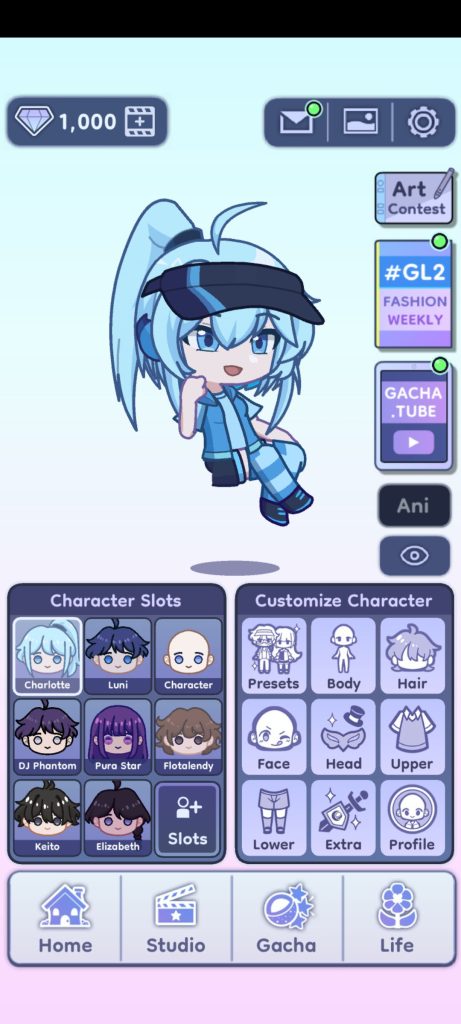
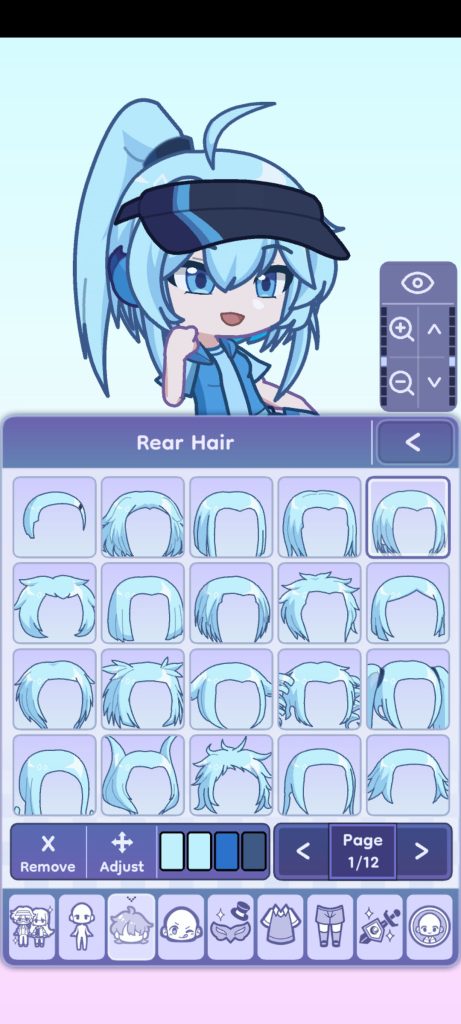
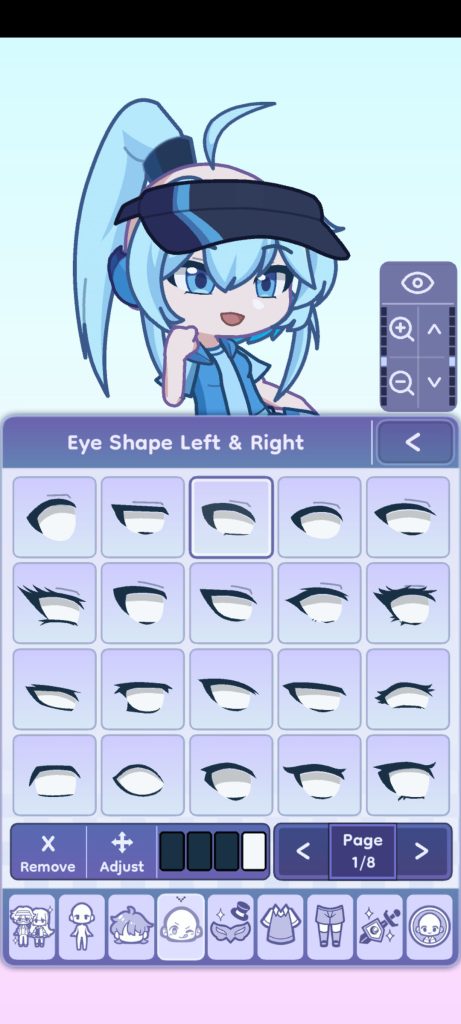
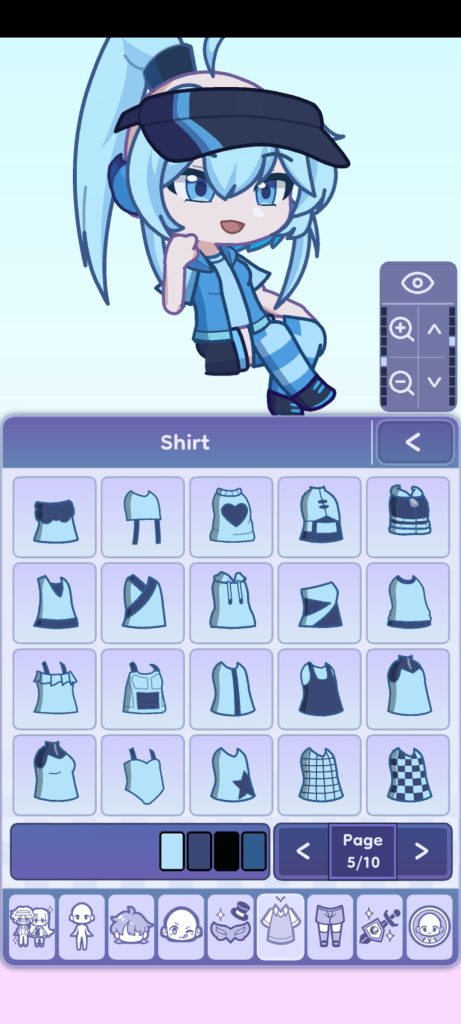
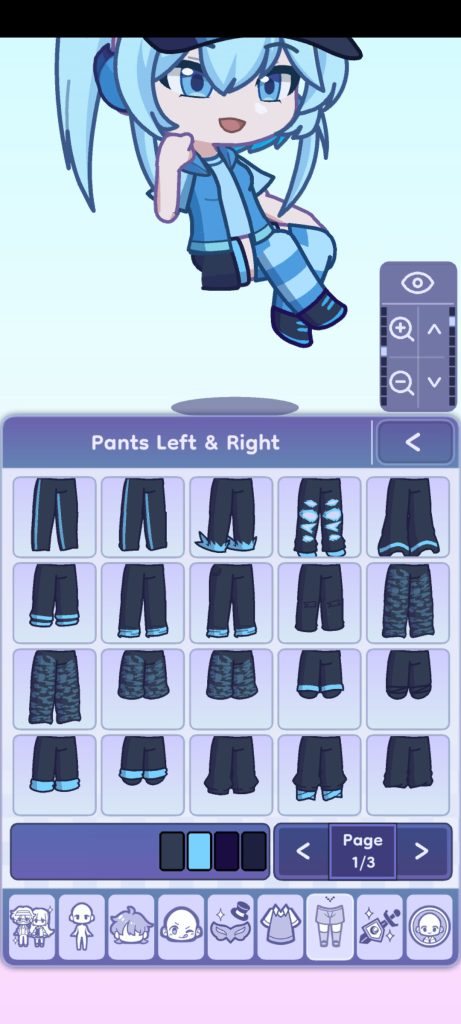
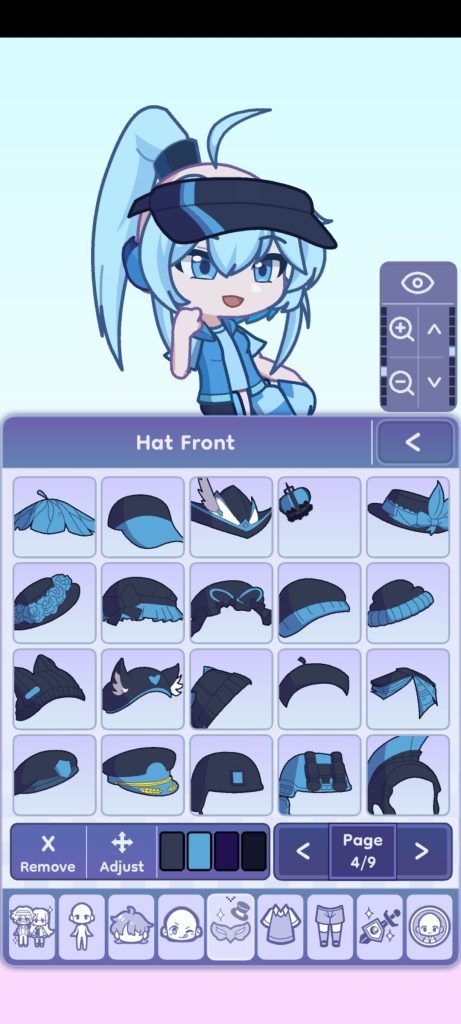
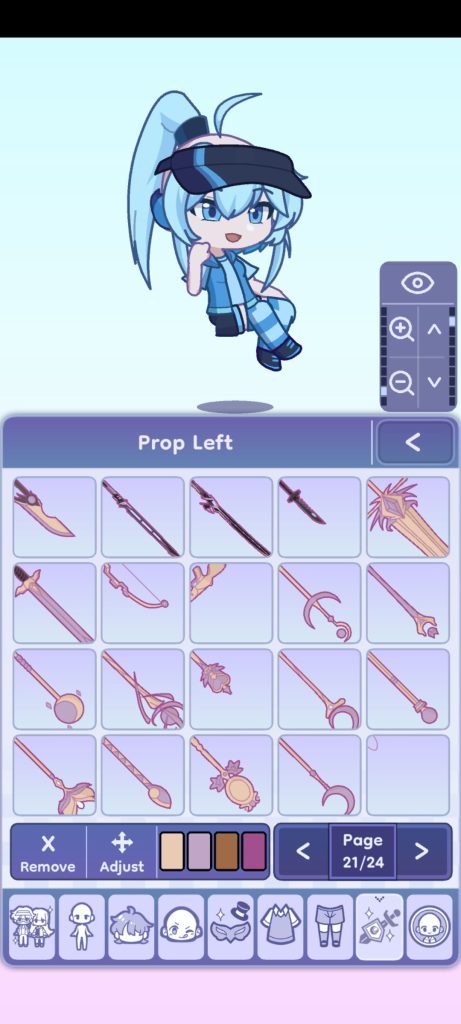
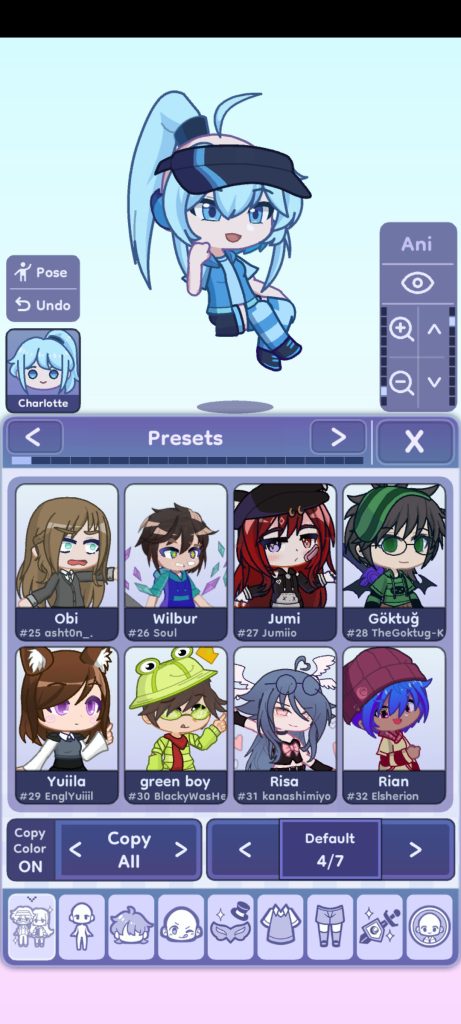
Advanced Character Customization
You can customize every details of your character, like shape, hairstyles, outfits, accessories and what colors you want.
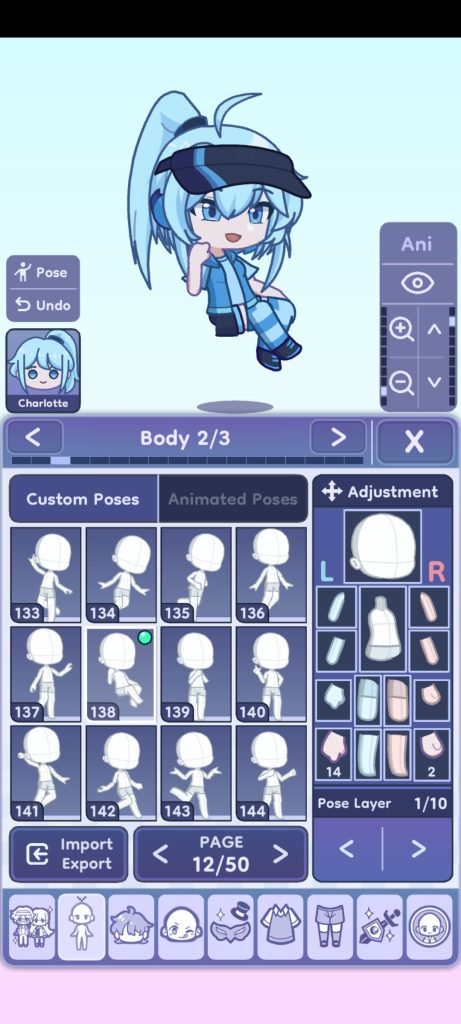
Character Pose System
The character poses have been enhanced for storytelling, allowing players to create dynamic positions of their characters.
Scene Creation Tools
You can create scenes, with their characters and backgrounds, to form your own stories.
Expanded Clothing Collection
The game adds plenty of new clothing styles and accessories for anime-style characters.
Creative Freedom
Players can use simple editing tools to make original characters, short stories and fun animations.
Gacha Life 2 vs Gacha Nebula
Users started asking how GachaLife 2 compares with Gacha Nebula.
Here is a simple comparison:
Gacha Life 2
- Lunime official streamline game.
- Strong character customization system.
- Intuitive interface and responsive gameplay.
Gacha Nebula
- Community mod of Gacha Club.
- Additional assets and creative common features.
- Additional customization features for power creators.
- Regularly update with new cool features.
Good games for Gacha lovers, both. For that reason, many creators like to use both together to expand their creativity. So these are totally different character-creating methods, so you can choose whichever one you like, and the one which is your favourite, just download it from our page.
Gacha Life 2 Download Guide
You can get Gacha Life 2 for mobile and PC platforms if you would like to give the game a try.
These are the correct steps to install it.
Gacha Life 2 Android
Trying the game is as easy for Android users.
Steps to install:
- Download Gacha Life 2 APK from the official Google Play link we provided above.
- Enable Unknown Sources if required.
- Install the APK file.
- Launch the game and create characters.
This GachaLife 2 APK allows you to manual installation and easy updates, which is why most of the players prefer it.
Gacha Life 2 iOS
The game can be downloaded for iPhone and iPad from the official Apple App Store, as mentioned above.
Steps:
- Open the gacha app on Apple AppStore.
- Tap Install.
- Open up the game and make your characters.
The iOS counterpart works well on the latest iOS versions and offers the same creative tools.
Gacha Life 2 Windows PC
Others might want to play on a larger screen. GachaLife 2 is also available for Windows PC.
Steps:
- Click the safe download link above to download the GachaLife 2 Windows ZIP file.
- Open up a folder on your PC and rename it to GachaLife 2.
- Drag and drop or copy and paste the downloaded ZIP file into the folder.
- Extract the ZIP file.
- After you find Gacha Life 2 in the search results, click on it to run the application.
It gives you better controls and a larger workspace for editing scenes.
GachaLife 2 guide, tips and tricks
Here are some tips if you are new to Gacha Life 2 and need something to get started quick:
- Experiment with character poses.
- Try different outfit combinations.
- Create simple stories first.
- Save your favorite characters.
- Explore the customization options.
The more you play with this, the more imaginative your characters will be.
Frequently Asked Questions
Is Gacha Life 2 free?
GachaLife 2 is a fully free app that can be installed on Android, iOS, and Windows PC.
Gacha Life 2 Download Safe?
Yes. It is a Gacha app made by Lunime and thus officially. Download it from trusted sources always.
Is there a Windows version of Gacha Life 2?
Yes, you can download and install it for Windows 7, 8, 10, 11, and the latest Windows versions for free. You can also play it without any hiccups on desktop or laptop devices.
GachaLife 2 Vs GachaClub: Which is the best game?
Both games are fun, but Gacha Life 2 is primarily focused on creating characters and telling stories. As each app comes with its own set of features, you have the option to select your favorite.
Final Thoughts
Gacha Life 2 is a fun app and game for those who love creativity, character design and storytelling. And for both new and experienced Gacha fans, it brings a fresher experience with its improved customization tools and smooth gameplay.
If you like Gacha Nebula, Gacha Luminal or Gacha Club, already GachaLife 2 is easy to recommend.
So, create your characters, design the scenes, and tell awesome stories with GachaLife 2. Enjoy!